Panel settings and security
The Settings page in the account menu holds the panel and account security settings. The list of sections depends on the role.
Security: changing the password
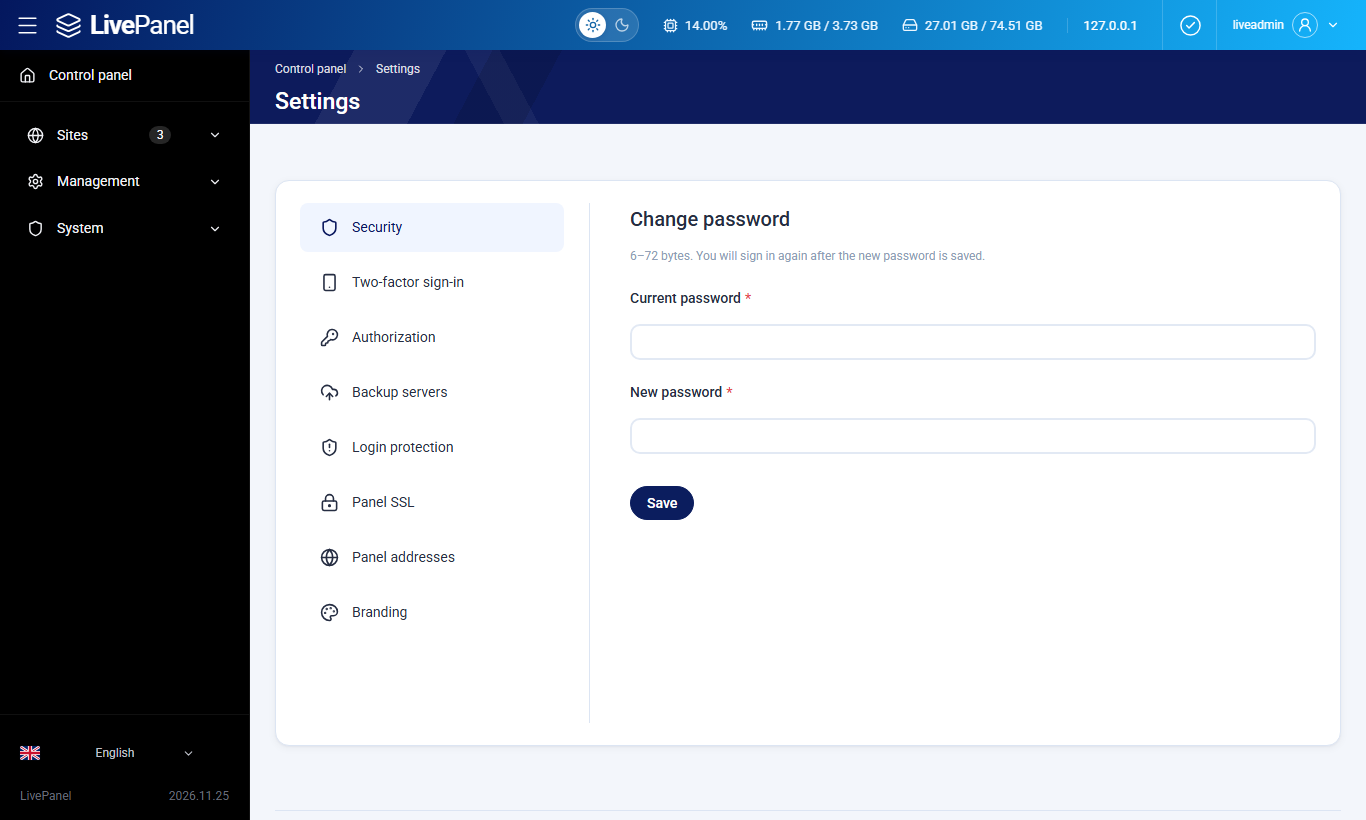
Enter the current password and the new password (6–72 characters). After saving you sign in again with the new password.
Two-factor sign-in (2FA)
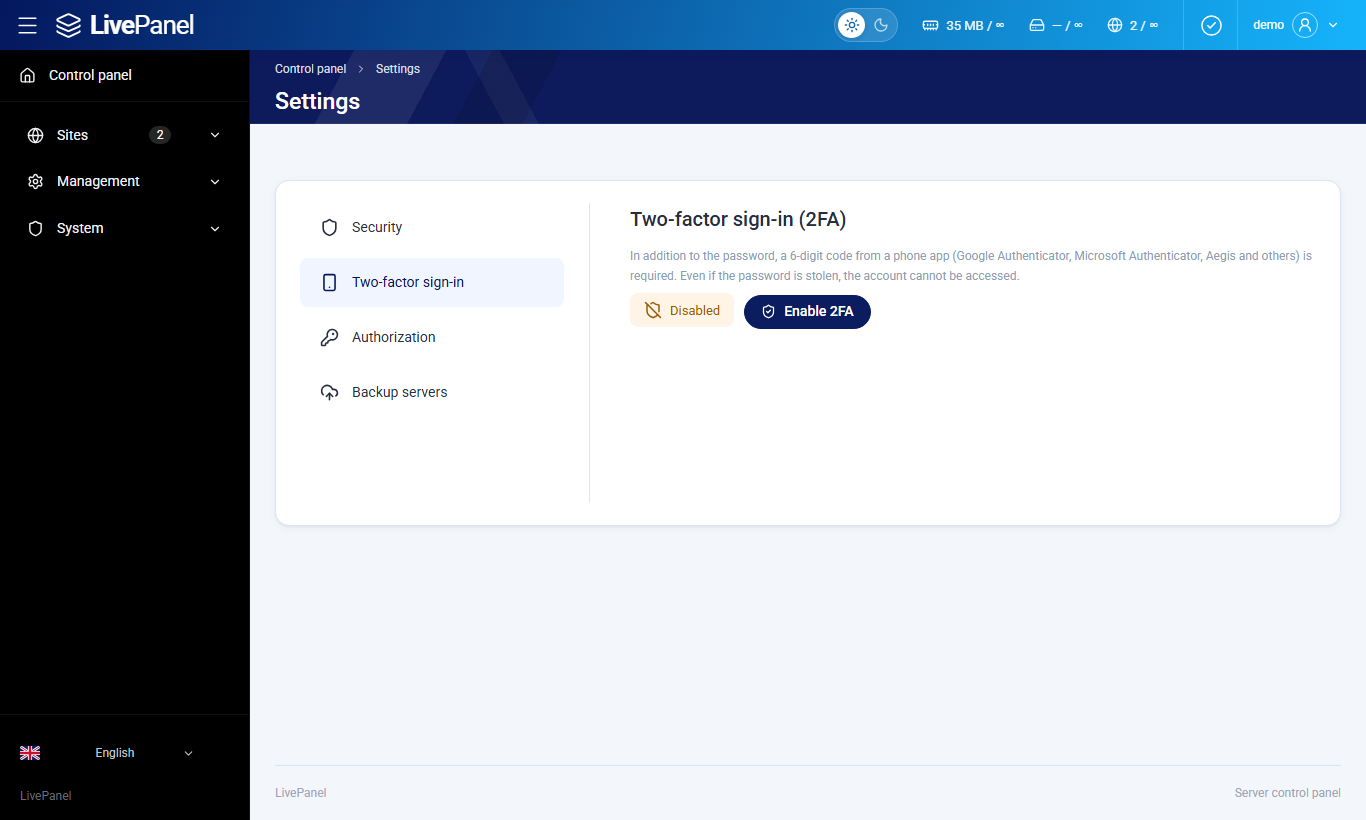
In addition to the password, a 6-digit code from a phone app (Google Authenticator, Microsoft Authenticator, Aegis and others) is required. Even if the password is stolen, the account cannot be accessed.
- Click Enable 2FA.
- Scan the QR code in the app (or enter the secret key manually).
- Enter the code shown by the app and click Confirm and enable.
- Save the recovery codes — if you lose the phone, you sign in with one of them (each works once; they are not shown again).
For a user who lost both the phone and the codes, an administrator disables 2FA in Users.
Authorization: recovery email
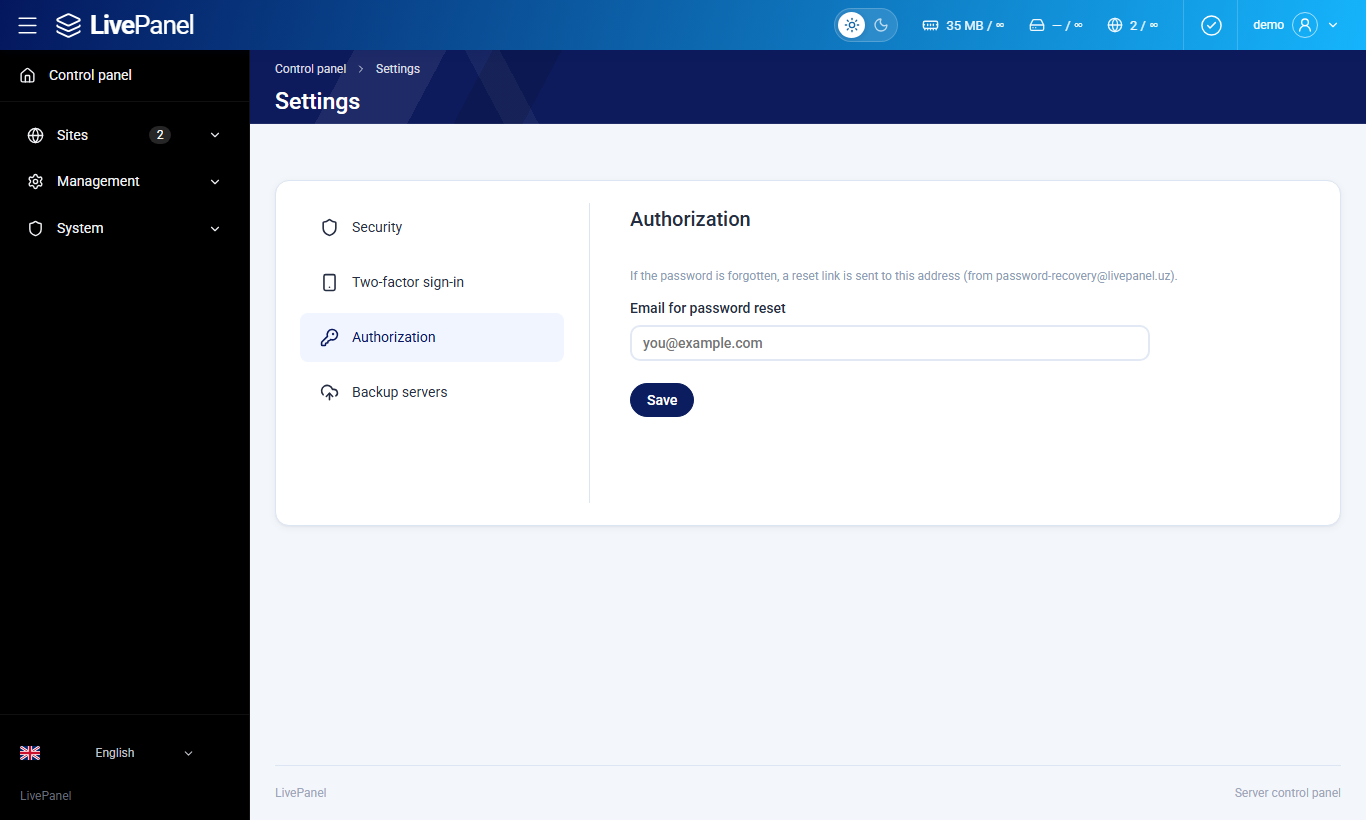
Email for password recovery — if you forget the password, “Forgot your password?” on the sign-in page sends a reset link to this address (from [email protected], valid for 30 minutes). Panel notifications also go to this address.
Login protection (administrator)
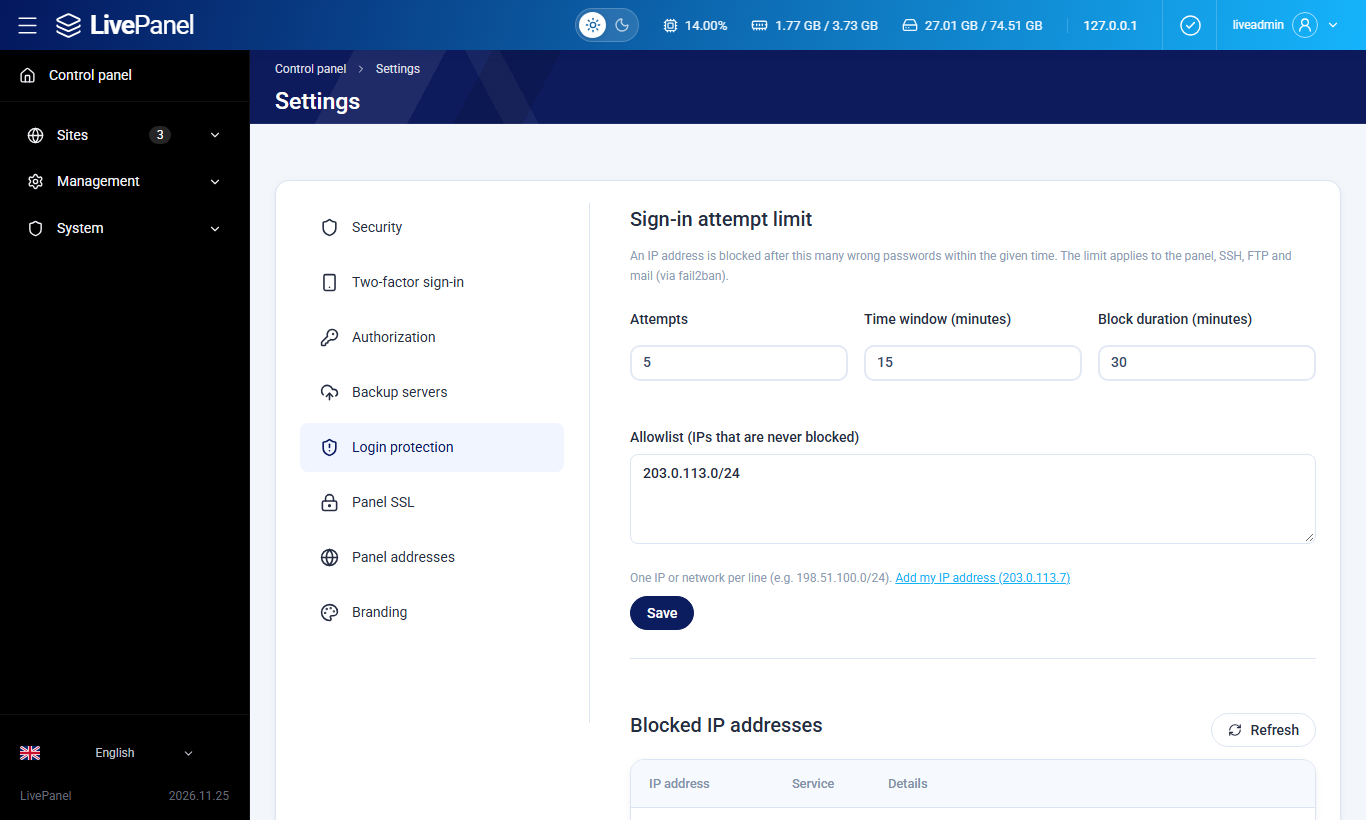
An IP address is blocked after this many wrong passwords within the given time. The limit applies to the panel, SSH, FTP and mail (via fail2ban).
- Attempts, Time window (minutes), Block duration (minutes).
- Allowlist — IPs that are never blocked; add yourself with Add my IP address.
- Blocked IP addresses — with the service where they were blocked; Unblock.
- Protected services (fail2ban) — failures and blocks per service. If fail2ban is not installed, install it from Applications.
Branding (administrator and reseller)
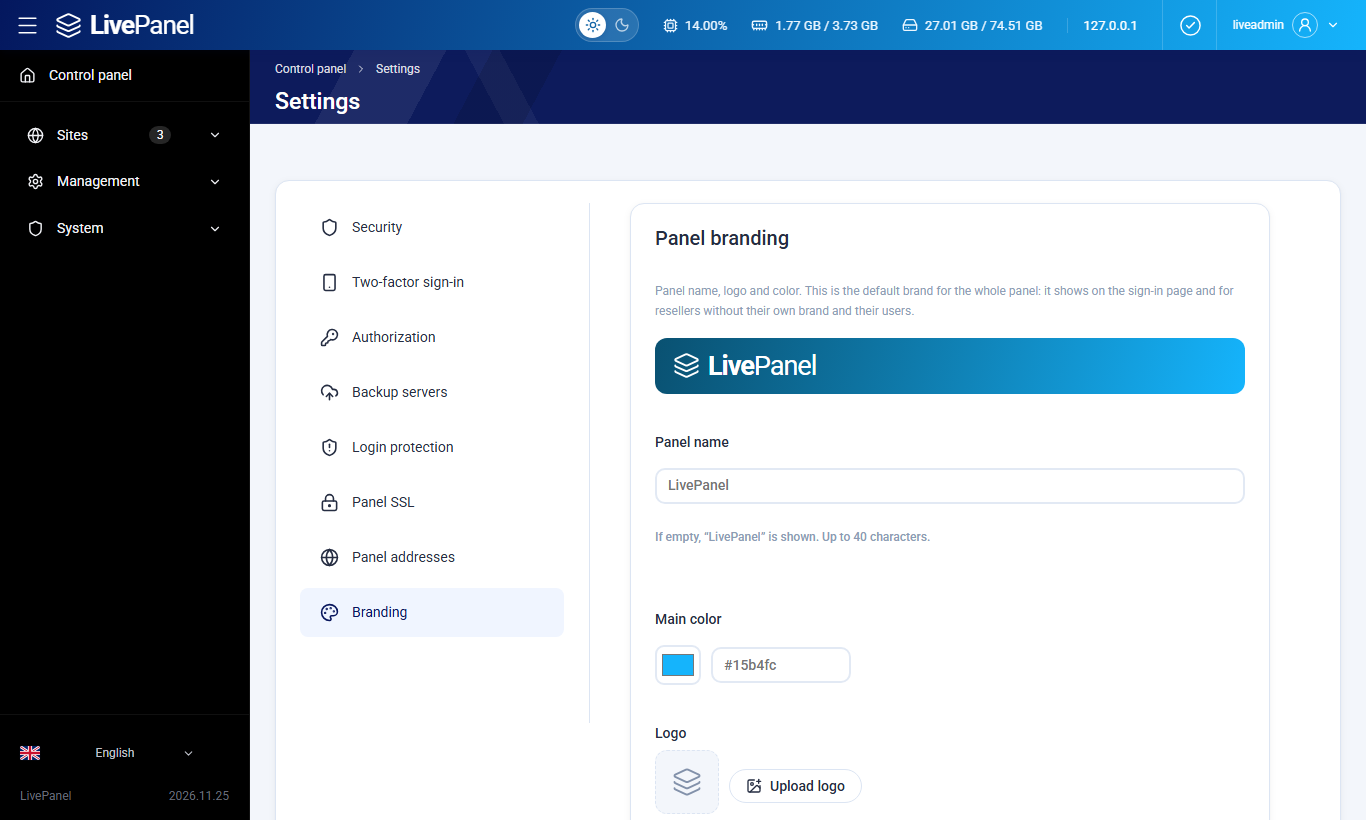
- Panel name (up to 40 characters), Main color and Logo (PNG, JPEG, WebP or GIF, up to 1 MB).
- The administrator’s brand is the default for the whole panel: it shows on the sign-in page and for resellers without their own brand.
- A reseller’s brand is seen by the users they create.
- Reset to default returns the LivePanel look.
Other sections
- Backup servers — Google Drive and Dropbox: Backups.
- Panel SSL and Panel addresses — Panel address and SSL.