System services
System → Services (for an administrator) shows the state of the main services on the server and lets you control them.
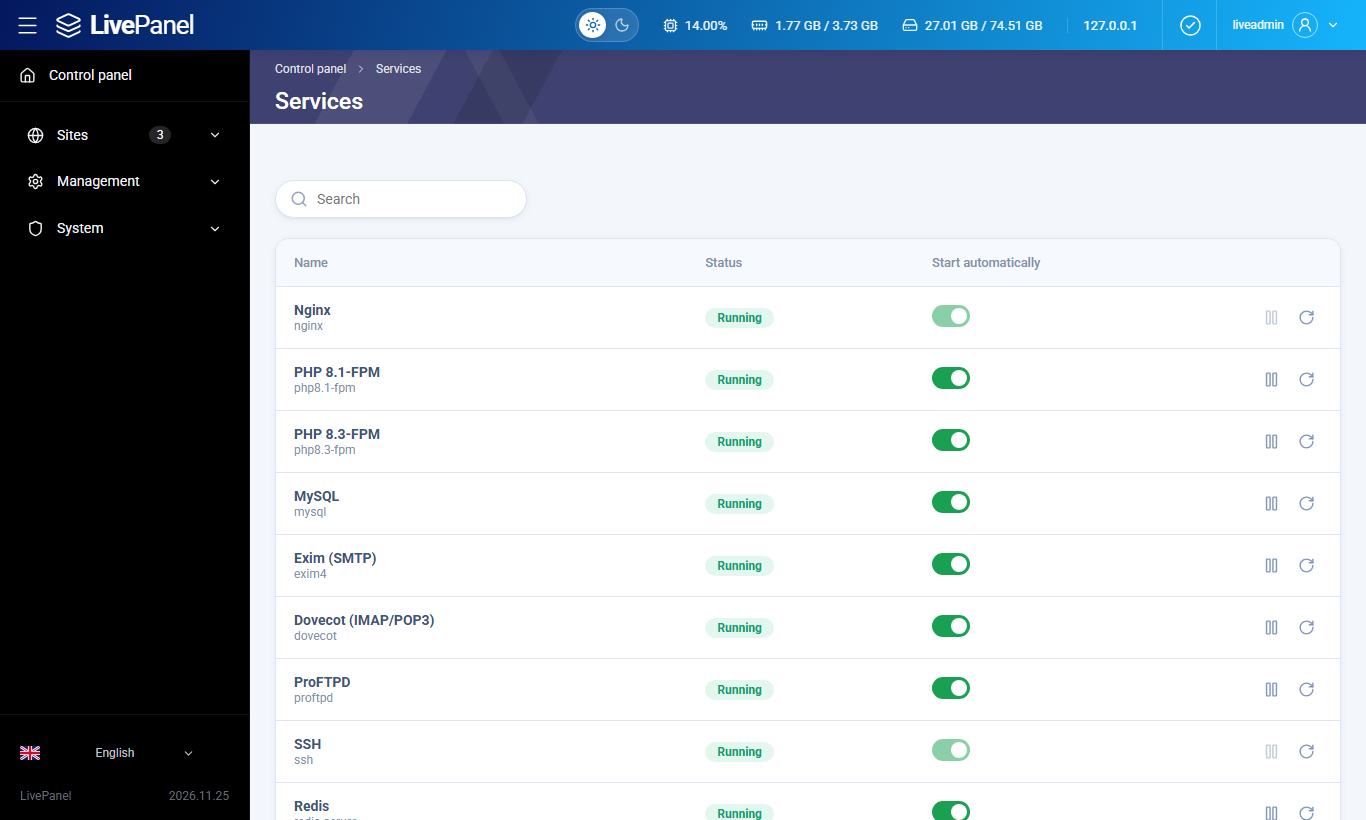
The list has Nginx, PHP-FPM (each installed version), MySQL, PostgreSQL, Exim (SMTP), Dovecot (IMAP/POP3), ProFTPD, SSH, Redis, fail2ban and the other installed services. Each one has:
- its status — running or stopped;
- the Start automatically switch — whether the service starts when the server reboots;
- actions: Start, Stop, Restart.
Some services keep the connection to the server and cannot be stopped: SSH can only be restarted, and Nginx is needed for the panel to work.
When you need it
- A service does not pick up a changed setting — Restart.
- A service is not used (e.g. you do not need mail) — stop it and turn off automatic start to free memory.
- If an important service stops, the panel emails the administrator — Updates and notifications.
A site’s own service (PHP pool, Node.js/Python application) is restarted in the site’s Logs section — Logs.