Site settings
The Settings tile on the site page opens the site’s Nginx, backend and security settings: sections on the left, their fields on the right. Changes are applied with Save: the panel checks the Nginx configuration first and restores the previous state on an error — the site does not go down.
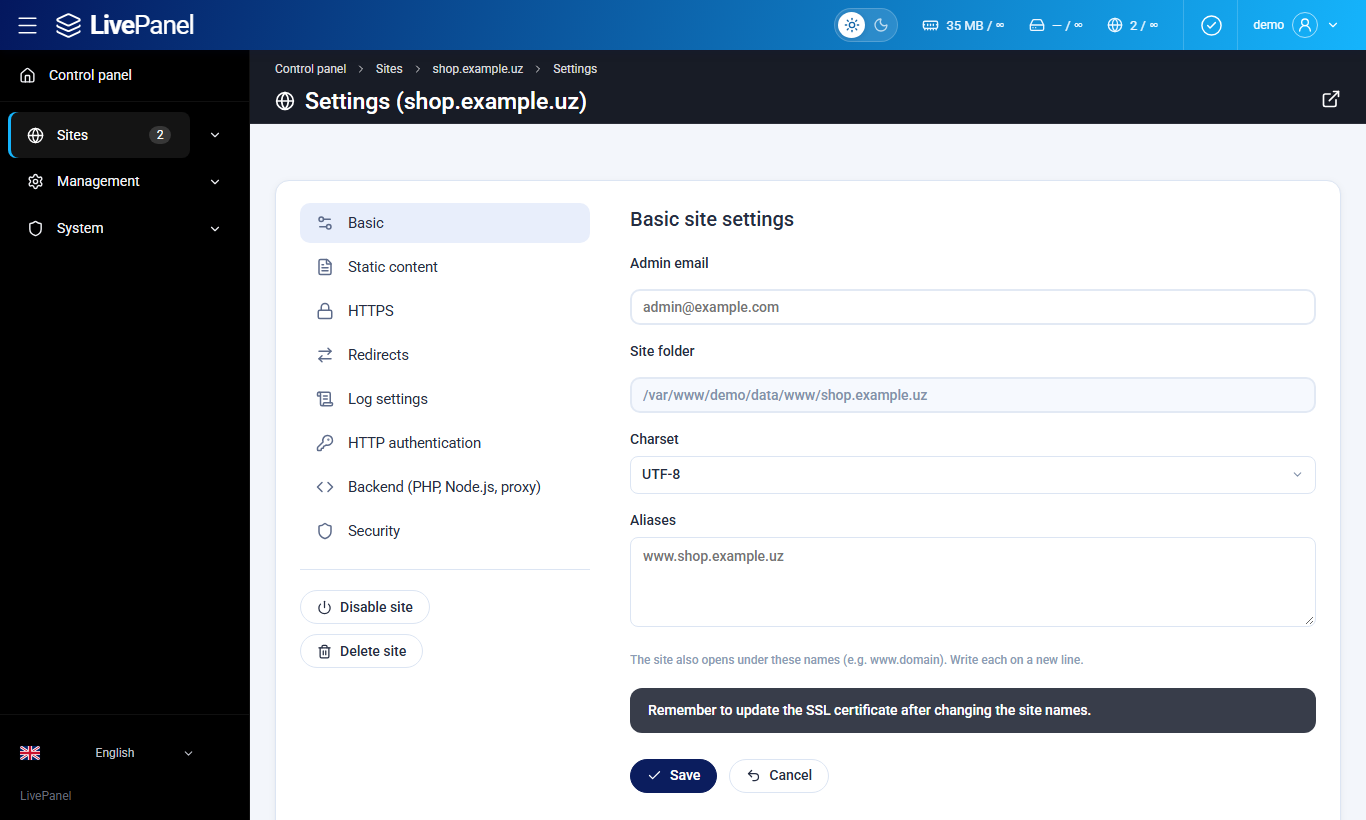
Basic
- Admin email — the site administrator’s email (shown on some error pages).
- Site folder — where the site files are.
- Charset — the charset Nginx sends, usually UTF-8.
- Aliases — other names the site opens at (e.g.
www.example.uz), one per line. Reissue the SSL certificate after changing them.
Static content
- Enable gzip compression and Gzip level — compress pages; level 5 is recommended.
- Serve static files with Nginx — images, CSS and JS are served by Nginx without going to PHP or the application (faster).
- Static file extensions and Cache period (days) — how long browsers keep these files.
HTTPS
- Redirect to HTTPS — every HTTP request goes to HTTPS.
- Enable HSTS — tells browsers to open the site over HTTPS only.
- Enable HTTP/2.
These need an SSL certificate first — SSL certificates.
Redirects
Send visitors of a given address elsewhere: From, To and Code (301 permanent, 302 temporary). For example /old-page → /new-page.
Log settings
Turn the Access log and Error log on or off. With the access log off, traffic and visitor statistics are not counted — Statistics and traffic.
HTTP authentication
Protect the site with a login and password — the browser asks for them when the site opens. Handy for staging or internal sites.
Backend
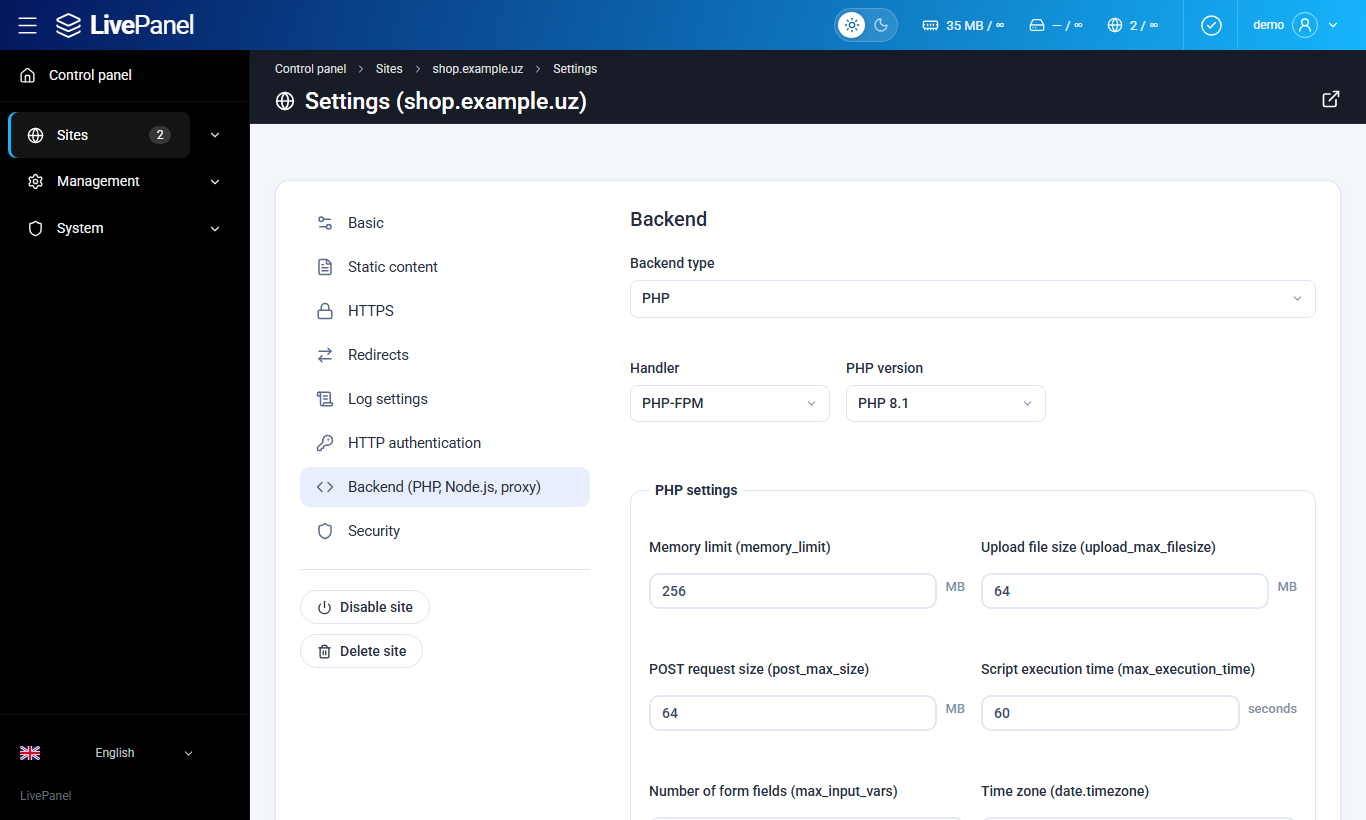
Backend type — what the site runs on: PHP, Node.js, Python, static site or reverse proxy. You can switch the type without recreating the site:
- the site files stay;
- the new backend is set up and started first, then the old service (PHP pool or application service) stops;
- a starting
app.js(Node.js) orapp.pyandgunicorn.conf.py(Python) is created when missing; - if any step fails, the site stays on its previous backend.
Fields by type:
- PHP — the handler (PHP-FPM, FastCGI, Apache module, CGI), the PHP version and PHP settings:
memory_limit,upload_max_filesize,post_max_size,max_execution_time,max_input_vars, time zone,display_errors. - Node.js — the Node.js version and environment variables.
- Python — the Python version and environment variables. When the version changes,
.venvis made again with it — Python and Node.js sites. - Reverse proxy — the address requests go to, e.g.
http://127.0.0.1:3000.
| PHP handler | What it is |
|---|---|
| PHP-FPM | A separate pool per site, running as the site owner. The best choice in most cases |
| FastCGI | A separate php-cgi process for the site |
| Apache module | Apache mod_php (mpm-itk), .htaccess works. System PHP version only |
| CGI | php-cgi starts on every request. Slower, for old applications |
Security
- Request rate limit — how many requests per second or minute one IP may make (protection from floods and bots).
- Burst — allow short spikes and serve them without delay.
Restricting access by IP — Site security and scanning.