Terminal
System → Terminal opens a server terminal right in the browser — no SSH program needed.
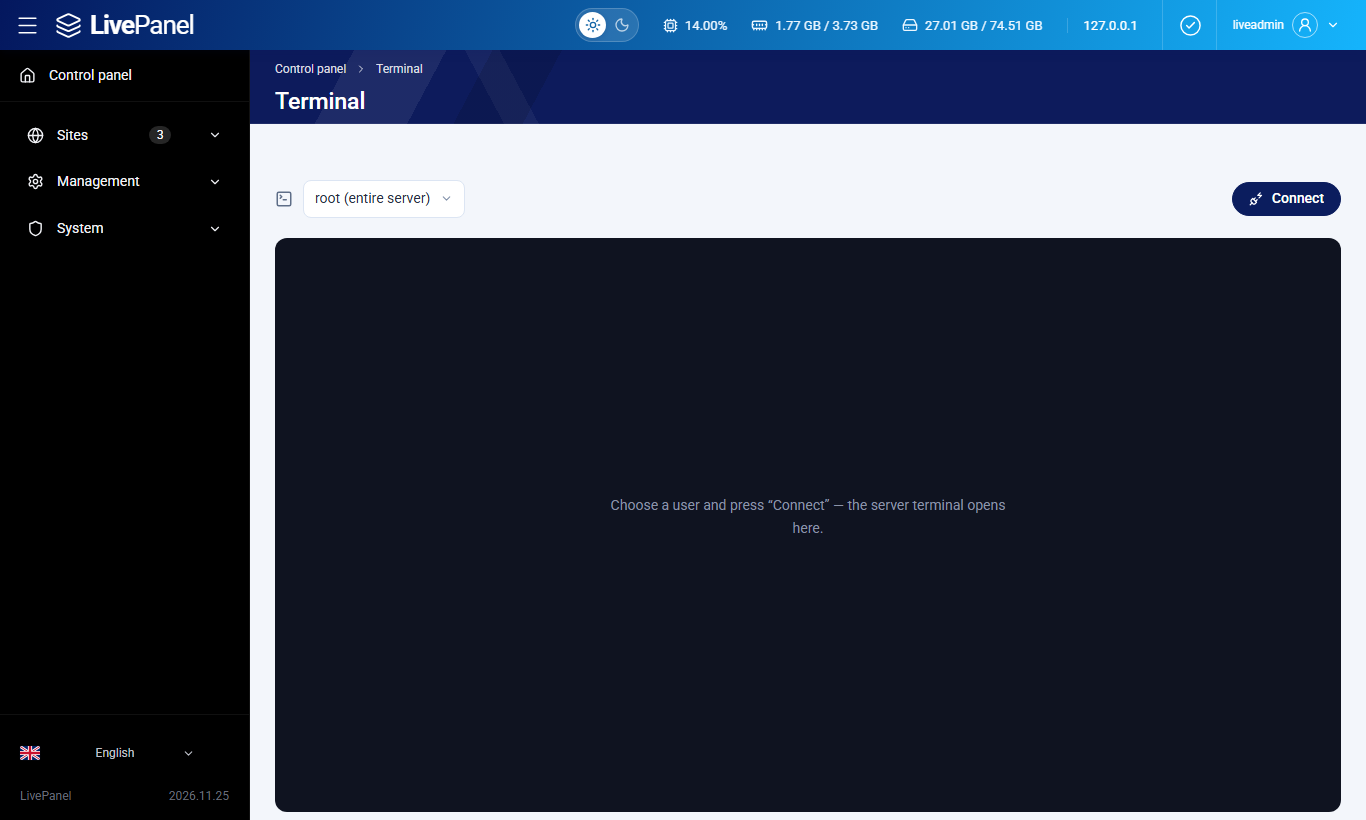
- Choose the user:
- root (whole server) — administrators only; commands affect the whole server;
- a site user — the terminal opens in the same isolated environment as SSH: only the user’s home folder is visible.
- Click Connect.
The usual commands work in the terminal: ls, cd, nano, git, composer, npm, php, .venv/bin/pip in a site folder and so on. The session closes after 30 minutes without activity; Reconnect opens a new one.
A regular user can use the terminal only with SSH access — the administrator turns it on in Users (Users, roles and limits).