API tokens and activity log
API tokens (Premium)
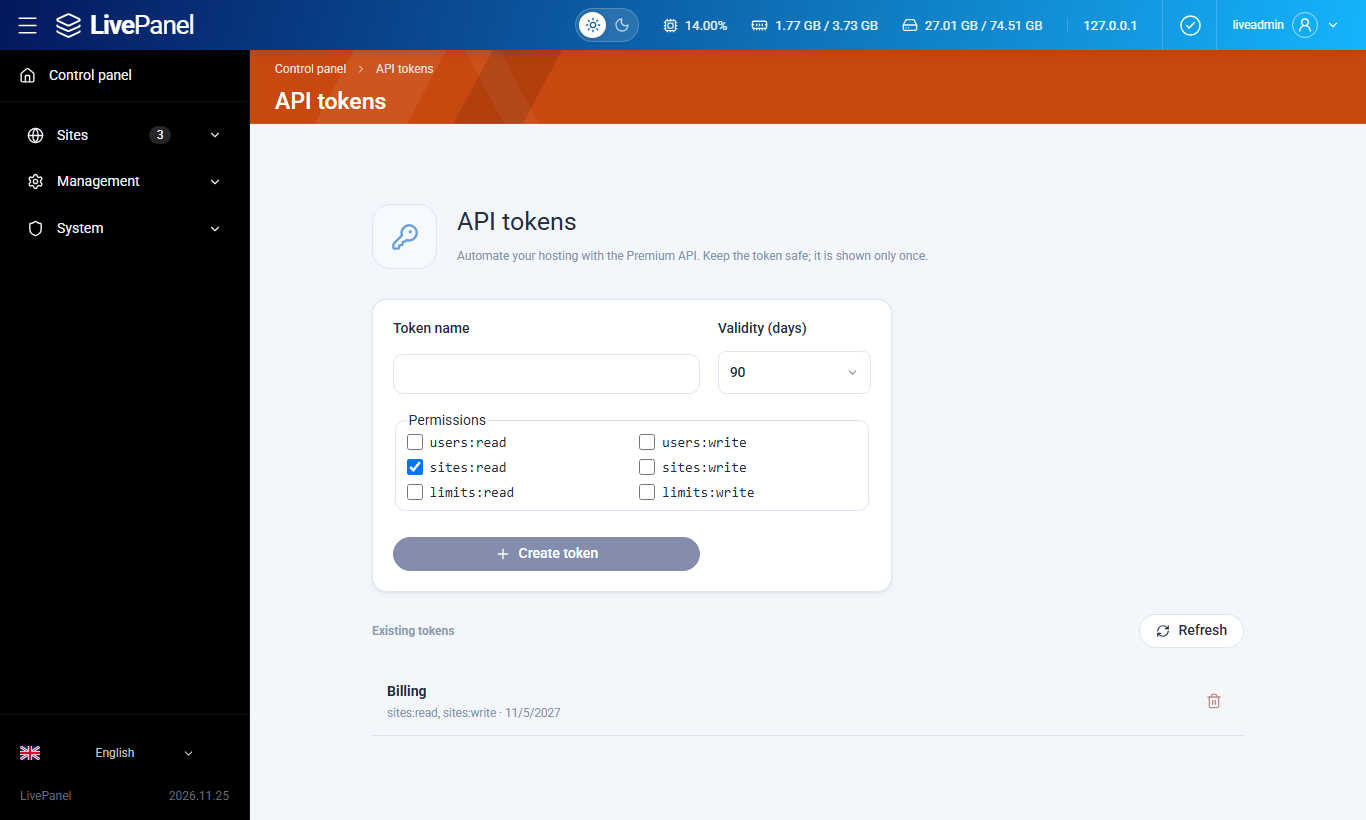
On the Premium plan hosting services can be automated through the API: for example, your billing system creates an account and a site for a customer after payment and sets their limits.
Creating a token
- Open System → API tokens.
- Token name — e.g. “Billing”.
- Valid for (days).
- Permissions — Read and Write for every area: sites, files, databases, DNS, mail, FTP, cron, backups, Git, accounts, limits, branding and server. Read everything and Full access tick them quickly. Only the areas your account may grant are listed; details — API v2 reference.
- Click Create token. Copy the token right away — it is shown only once.
Requests send the token in the Authorization: Bearer <token> header; every endpoint with examples is in the API reference. In the Existing tokens list you revoke a token you no longer need — it stops working immediately.
Create tokens with the fewest permissions needed and keep them secret: a token is as powerful as a panel password.
Activity log
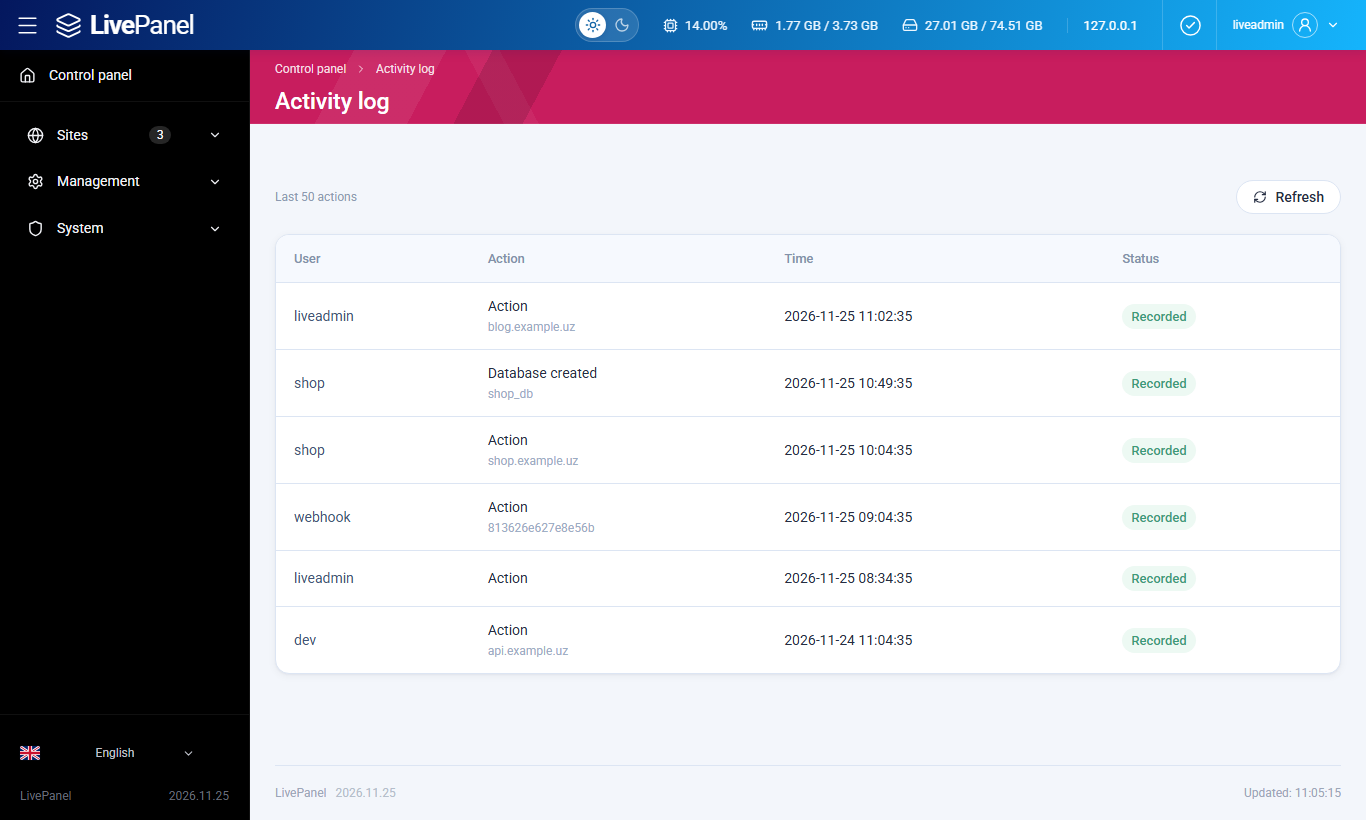
System → Activity log shows who did what in the panel and when: creating and deleting sites, databases, file uploads, backups, Git deploys, firewall changes, sign-ins and more. Each entry has the user (or webhook), the action and the time.
An administrator sees the actions of all accounts, a reseller those of their own users. When something changed on a site and nobody knows why, or you need to know who deleted a file — look here first.